Spare Parts Billing Software: 10 Features to Check Before You Buy
Part number search, alternate numbers, customer-wise rates, GST, stock and credit control. The features that matter for auto and machinery spare parts shops.
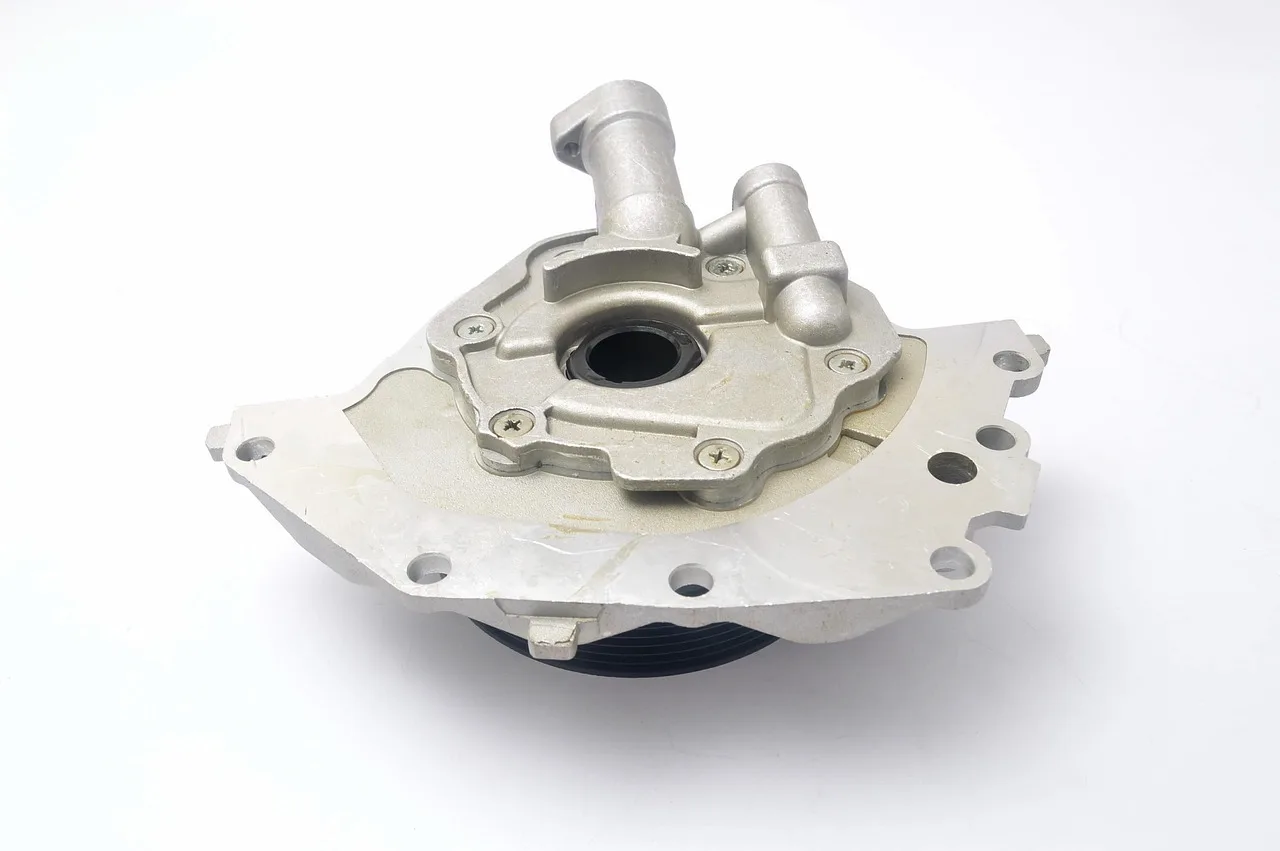
Good spare parts billing software finds parts instantly by number, name or vehicle, links alternate and superseded part numbers, applies customer-wise prices for retail, mechanics and dealers, calculates GST by item, moves stock as each bill is raised, controls credit, handles returns cleanly, and keeps working offline.
The short version
- Search must work by part number, name and vehicle in seconds.
- Link alternate and superseded part numbers.
- Apply different rates for retail, mechanics and dealers automatically.
- Stock should move when the bill is raised, not separately.
- Trial it at your own counter with real bills before buying.
In this article 13 sections
- 1. Fast search by part number, name and description
- 2. Alternate and superseded part numbers
- 3. Vehicle or machine compatibility
- 4. Customer-wise and quantity-wise pricing
- 5. Correct GST by item
- 6. Stock that moves with the bill
- 7. Serial numbers and warranty tracking where needed
- 8. Returns, exchanges and credit notes
- 9. Credit control for mechanics and dealers
- 10. Works offline and connects to your accounts
- Before you choose: test it at your own counter
- Packaged software or custom-built?
- Getting billing right for your parts business
Billing in a spare parts shop is not like billing in a grocery store. A single counter can sell thousands of different parts, many with similar names, several part numbers for the same item, and different prices for a walk-in customer, a mechanic and a dealer. A two-wheeler parts shop, a tractor and pump spares dealer and an industrial bearings supplier all face versions of the same problem.
General billing software handles the tax invoice. What decides whether it works in a spare parts business is how fast the counter can find the right part, charge the right price and keep stock accurate. Here are the ten features worth checking before you choose.
1. Fast search by part number, name and description#
At a busy counter, staff search the way customers ask: by part number, by a partial number, by the common name or by the vehicle. The software should find a part from any of these in a second or two, using the keyboard, without opening menus. Test this with your own part list, not the vendor's demo data.
2. Alternate and superseded part numbers#
Manufacturers replace part numbers over time, and the same part often exists as an original, an OEM equivalent and an aftermarket alternative. Good spare parts software lets you link these, so searching an old number shows the current one, and staff can offer an in-stock alternative when the requested brand is out.
3. Vehicle or machine compatibility#
Being able to search by model, such as "brake shoe for a particular bike model and year", saves time and reduces wrong-part returns. Check how compatibility data is entered and maintained, because it is only as good as the data behind it.
4. Customer-wise and quantity-wise pricing#
Most parts businesses sell to at least three groups: retail customers, mechanics or garages, and dealers or fleet owners. Each may get a different rate, discount or credit term. The software should apply the right price automatically based on the customer, and limit how much discount counter staff can give without approval.
5. Correct GST by item#
Parts fall under different HSN codes and GST rates. The software should store HSN and tax rate per item, apply CGST and SGST or IGST correctly based on place of supply, and produce the sales and tax registers your accountant needs. If your turnover requires e-invoicing or you move goods that need e-way bills, check that the software supports those too, and confirm the current thresholds with your CA.
6. Stock that moves with the bill#
Every sale should reduce stock at the moment the bill is raised, and every purchase entry should add it. If stock is updated separately, it will drift. Also look for:
- Reorder levels and alerts for fast-moving parts.
- Bin or rack locations, so staff can find the part physically.
- Stock in multiple godowns or branches, if you have them.
7. Serial numbers and warranty tracking where needed#
Items such as batteries, tyres and some electrical parts carry warranties linked to a serial number. Recording the serial on the bill makes warranty claims and returns easy to verify. Not every item needs this, so check that the software lets you switch it on only for the categories that do.
8. Returns, exchanges and credit notes#
Wrong-part returns are common in this trade. The software should handle a return in a few steps, reverse stock and tax together, and issue a credit note against the original bill, without breaking the invoice numbering sequence.
9. Credit control for mechanics and dealers#
Much of the sales in a parts business can be on credit to regular trade customers. Look for credit limits that are checked at the time of billing, outstanding and ageing reports by customer, and receipts matched against specific bills. An unpaid bill costs more than a slow one.
10. Works offline and connects to your accounts#
Billing must continue when the internet drops. Check that the counter keeps working offline and syncs later. Also check how billing data reaches your accountant, for example through a Tally export or sync, so nobody re-types invoices at month end.
Before you choose: test it at your own counter#
Demos use clean data and a slow pace. Before deciding, ask for a trial with a sample of your real part list and run a few typical bills during a busy hour:
- A walk-in customer asking for a part by name.
- A mechanic on credit buying five different parts.
- A return of a wrong part against yesterday's bill.
- A search for an old part number that has been replaced.
Time each one. If the new software is slower than your current method, staff will quietly go back to the old way.
Packaged software or custom-built?#
For a single shop with a simple range and standard pricing, a well-known packaged billing product is often the right and cheaper choice. Custom billing software becomes worth considering when your pricing rules, part relationships, branch setup or integrations do not fit what products offer, or when billing needs to sit inside a larger system you already run. Our guide to custom software vs off-the-shelf covers that decision in more detail.
Getting billing right for your parts business#
The best spare parts billing software is the one your counter staff can use at full speed on your busiest day, while stock, tax and credit stay accurate in the background. Naryon Tech builds GST billing software around how a counter actually works, with stock moving on the bill and Tally sync for your accountant, and we will tell you if a packaged product suits you better. Our inventory management system covers the stock side in more depth. Book a free assessment to discuss your shop.