
Mobile app development company in Trichy, building apps that survive the year after launch
Android and iOS from one codebase where that is the right call, native where performance demands it, with releases, store review and crash monitoring treated as part of the job. We build for companies in Trichy, Chennai and across Tamil Nadu.
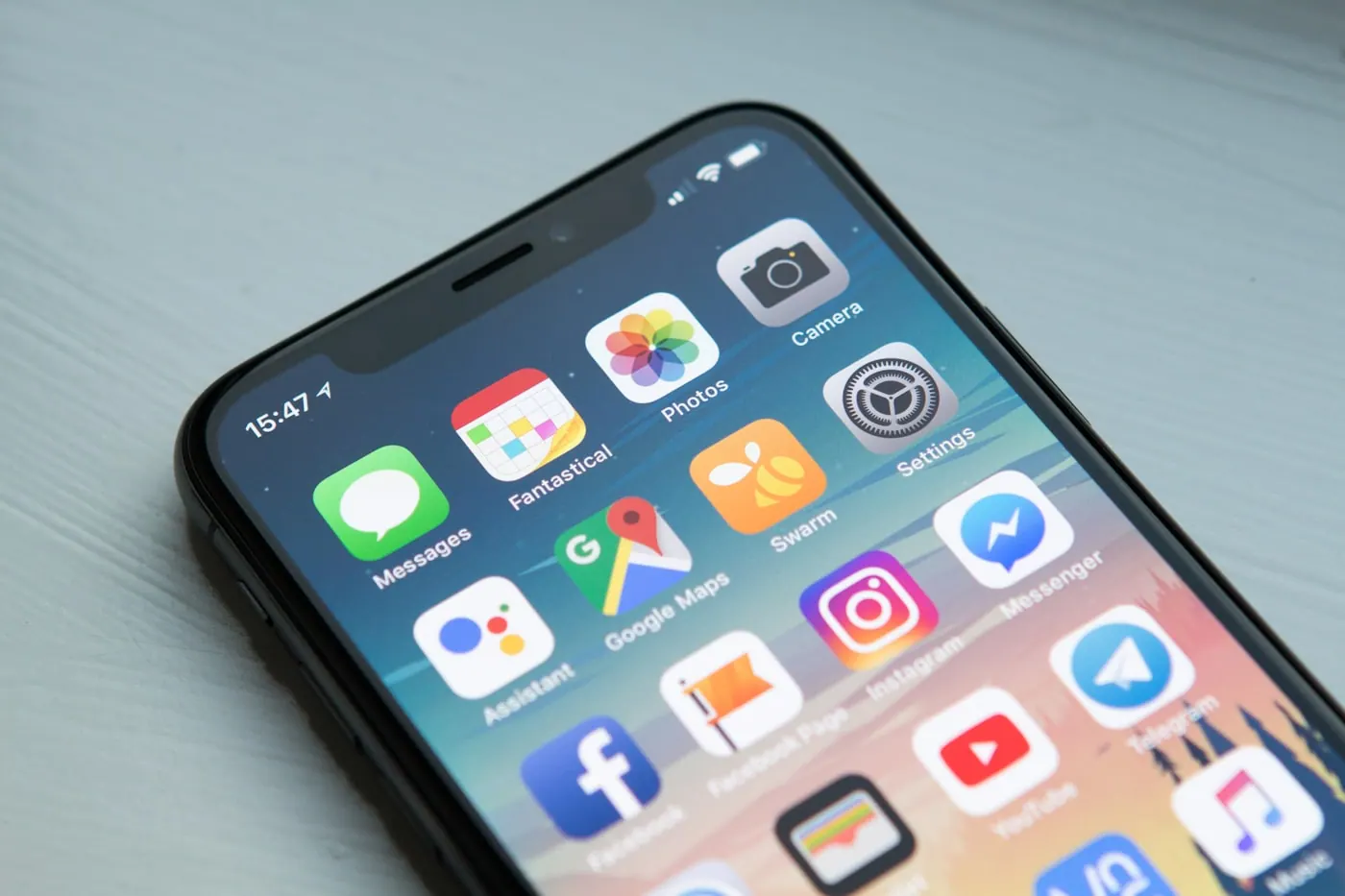
What mobile app development involves
Mobile app development covers designing, building, testing and releasing an application for Android and iOS. In practice it also includes the parts that decide whether an app survives: the backend it talks to, app store submission, release management, crash monitoring and the update cycle after launch.
Most app projects are quoted as a build and experienced as a commitment. The build is the visible part; what follows is store review rejections, an OS version that changes a permission model, a crash affecting one device family, and a backend that needs to keep working while the app updates. A quote that covers only the build is not wrong so much as incomplete.
We scope apps with that whole shape in view. That means being honest early about whether you need an app at all — a responsive web application serves a great many requirements that get specified as apps — and, if you do, choosing cross-platform or native on the merits rather than on habit.
What's included
Product definition
The feature set cut down to what the first release has to prove, with the rest sequenced rather than dropped. Most failed apps shipped too much, too late.
UI and UX design
Screens designed against the platform conventions users already know, with the flows prototyped before code so changes are cheap.
App build
Android and iOS from a shared codebase where that suits the app, or native builds where performance, hardware access or platform features make it the better call.
Backend and APIs
The services, database and authentication the app depends on, built to be versioned so an old app version on somebody's phone does not break.
Store submission
Play Store and App Store listings, review compliance, privacy declarations and the resubmission work when a reviewer disagrees.
Monitoring and updates
Crash reporting, analytics and a release process, so the first bad build is caught by you rather than by a one-star review.
The process, step by step
- 01
Scoping and platform decision
We establish what the app must do, who uses it and on what devices, then decide cross-platform against native on evidence. This conversation saves more money than any other stage, sometimes by concluding that a web app is the answer.
- 02
Design and prototype
Flows and screens are designed and made clickable before development starts. Changing a prototype takes an afternoon; changing a built screen takes a sprint.
- 03
Backend first
The API and data model are built early so the app is never blocked waiting for a service, and so the contract between them is settled while it is cheap to change.
- 04
Iterative build
The app is built in slices that each end in something installable. You see progress on a device rather than in a status report.
- 05
Device testing
Tested across the screen sizes and OS versions your users actually have, which in India means older Android devices, not just the current flagship.
- 06
Release and monitor
Store submission, staged rollout, and crash and performance monitoring from day one, with a plan for how fixes reach users.
Who this is for
Field and service teams
Apps for staff who work away from a desk, with offline capability so a weak signal does not stop the job being recorded.
Customer-facing apps
Booking, ordering, tracking and account access, where repeat use justifies the space on somebody's home screen.
ERP and system companions
Mobile access to approvals, inventory or attendance, connected to the system of record rather than duplicating it.
IoT and device control
Apps that pair with hardware over Bluetooth or a local network, where native platform access usually decides the technology choice.

How we approach it differently
- Honest platform adviceWe will tell you when a responsive web app would serve you better than a native one, before you have paid for the native one.
- Shipped in slicesInstallable builds throughout, so progress is something you hold rather than something you are told about.
- Tested on real devicesIncluding the older Android hardware a large share of Indian users are actually on.
- Post-launch is plannedStore review, OS updates and crash response are scoped from the start, not discovered afterwards.
What we build it with
Cross-platform
- React Native
- Flutter
- Expo
Native
- Kotlin (Android)
- Swift (iOS)
Backend
- Node.js
- PostgreSQL & MySQL
- REST & GraphQL APIs
- Firebase
Release & monitoring
- Play Console
- App Store Connect
- Crash reporting
- Staged rollouts
Mobile App Development across Tamil Nadu and beyond
Mobile App Development runs from our Trichy and Chennai offices for businesses across Tamil Nadu, and remotely for clients outside it.
- Tiruchirappalli (Trichy)
- Chennai
- Coimbatore
- Madurai
- Salem
- Erode
- Tirunelveli
- Thanjavur
- Vellore
- Tiruppur
- Karur
- Puducherry
Industries where mobile app development does the work
Each page sets out the systems that sector runs on, the regulation it carries, and where mobile app development fits into its blueprints.
Mobile App Development: common questions
Should we build native or cross-platform?
Cross-platform suits most business apps: one codebase, both platforms, meaningfully lower cost. Native earns its extra cost when you need heavy graphics, deep hardware access, background processing the platform restricts, or the last increment of smoothness. We make this call during scoping with your requirements in front of us, not as a default.
Do I need an app or a website?
Usually a website, and we will say so. An app earns its place when people come back often enough to keep an icon on their phone, or when you need the camera, offline use, location or push notifications. If the honest answer is that a fast responsive website would serve your customers better, you will hear it before you have paid for an app. Asking whether an app is better than a website is the wrong question; asking how often somebody will open it is the right one.
How long does it take?
A focused first release is typically a few months from scoping to store, with the range driven mostly by how much backend has to be built and how settled the requirements are. We sequence so there is something installable early rather than one delivery at the end.
What happens after launch?
Apps need maintenance in a way websites do not: operating systems change, store policies change, and libraries need updating to stay compliant. We scope a support arrangement covering monitoring, fixes and periodic updates. An unmaintained app eventually stops being installable.
Who owns the code and the store accounts?
You do. Store accounts should be registered to your business rather than to us, and the source code is yours in your repository. This matters most on the day you decide to work with somebody else.
Can you take over an app somebody else built?
Usually, after a code review to see what is there. Sometimes the sensible answer is a rebuild, and we would rather say so with reasons than quote a maintenance retainer for something that will keep costing you.
How much does an app cost in India?
The number people quote is almost always for the first version only. What actually decides mobile app development cost in India is how many screens carry real logic, how much of the backend has to be built rather than connected, and whether both Android and iOS are needed at launch. We scope those three things in writing first, so the figure covers the app you will actually ship.
How much does it cost to maintain an app after launch?
Plan for it as an ongoing line, not a surprise. Android and iOS both force changes every year through OS releases and store policy, certificates expire, and the libraries underneath need security updates. An app left untouched for eighteen months usually needs more work than one maintained quietly throughout, and it is often unavailable in the store by the time anyone notices.
The rest of Custom Software Application Development
Mobile Apps is one part of our Custom Software Application Development practice. These are the others, and most projects use more than one.
Let's talk about your mobile apps project
Tell us what you are trying to achieve with mobile apps, and we will say honestly whether it is the right approach and what it would take.